


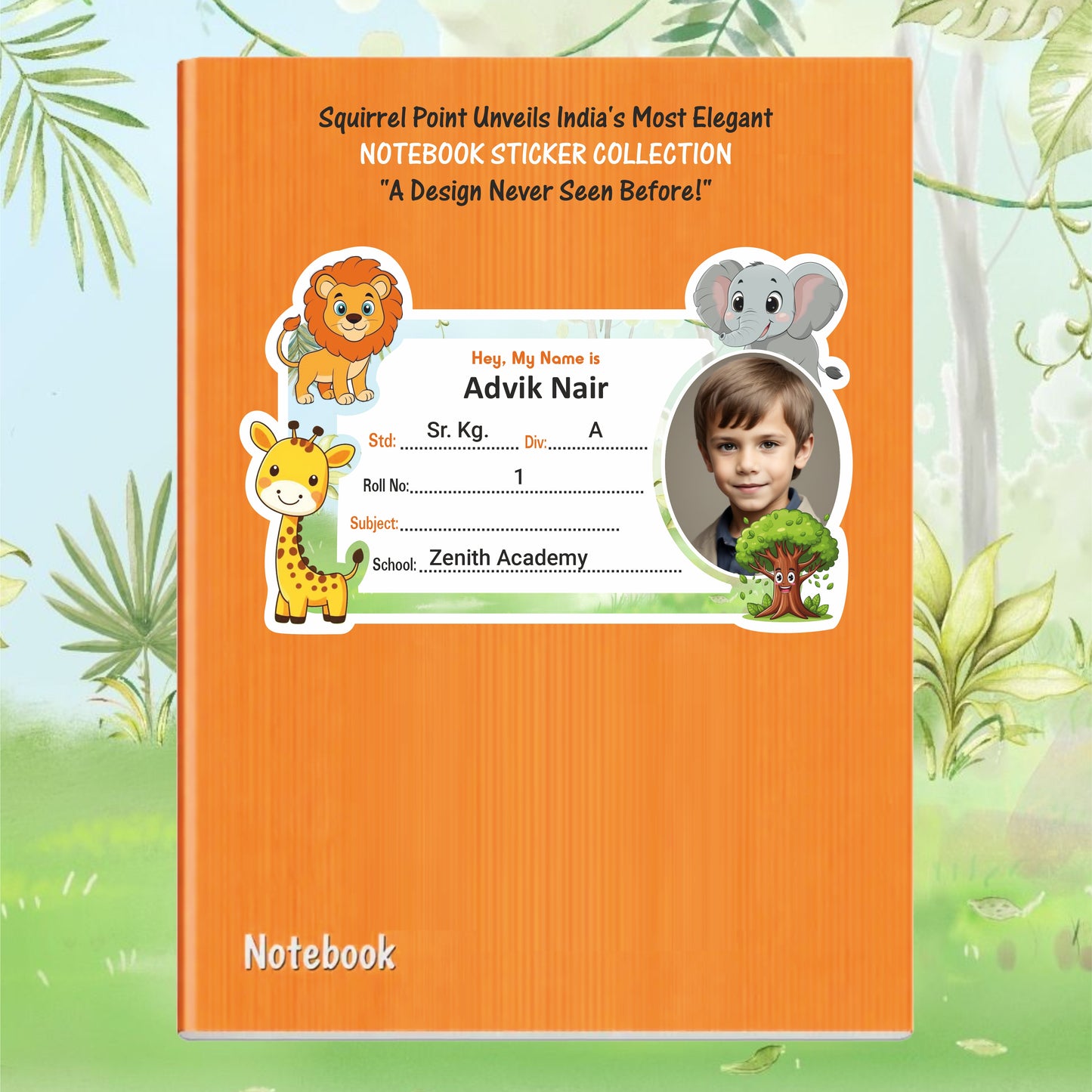
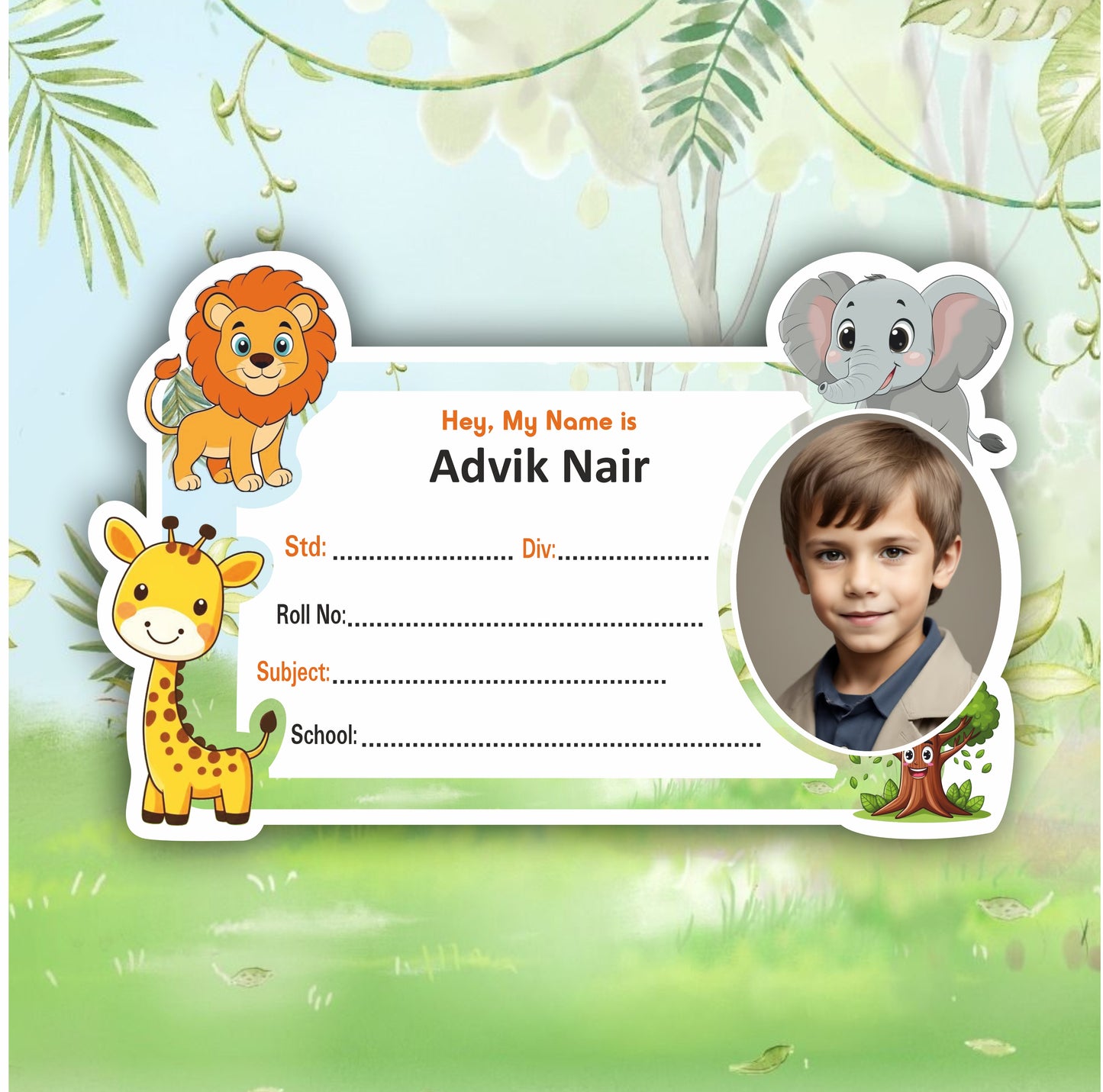
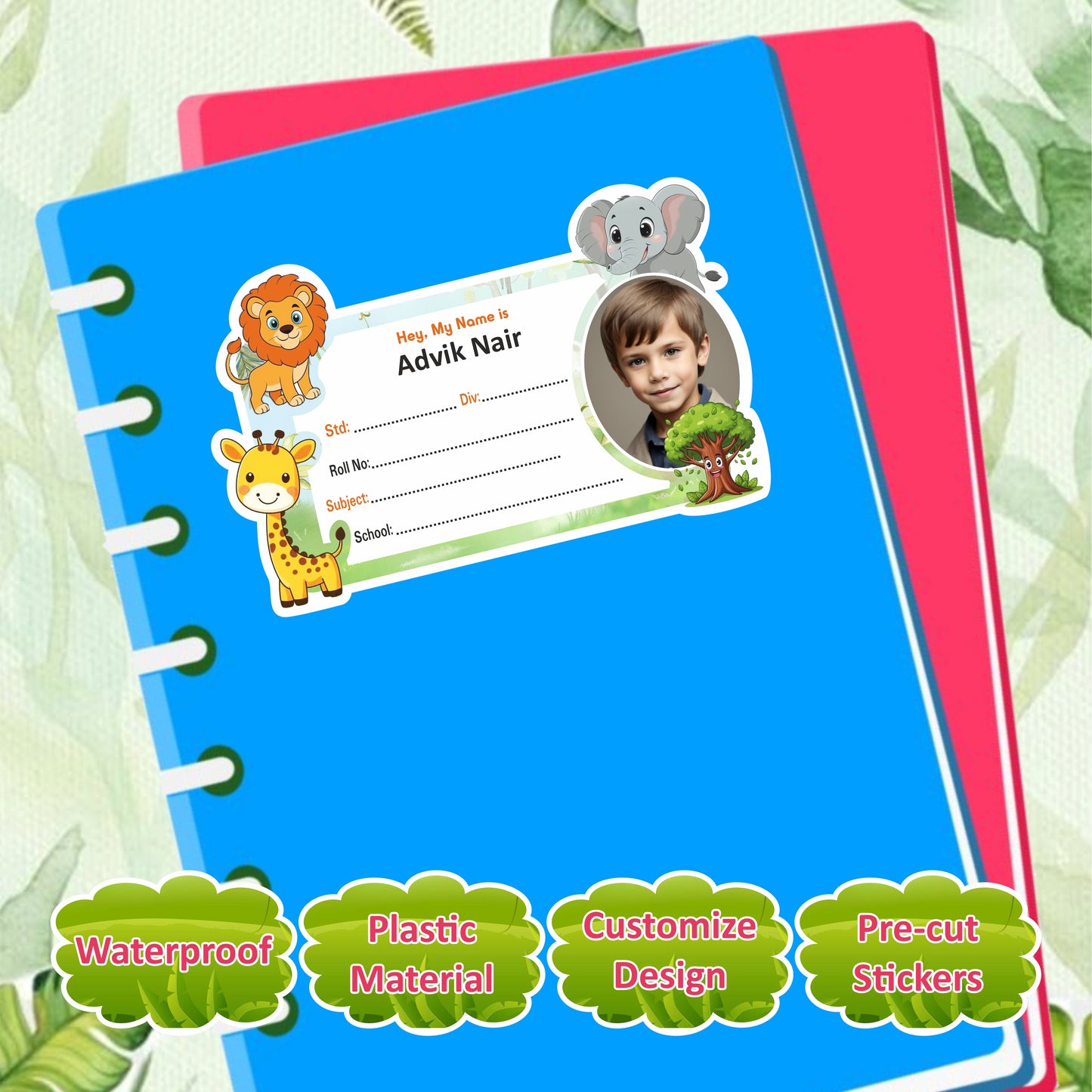
JUNGLE SAFARI PERSONALIZED NOTEBOOK STICKERS
All taxes & shipping included.
 Cash on delivery
- Easy Return
 Free Shipping

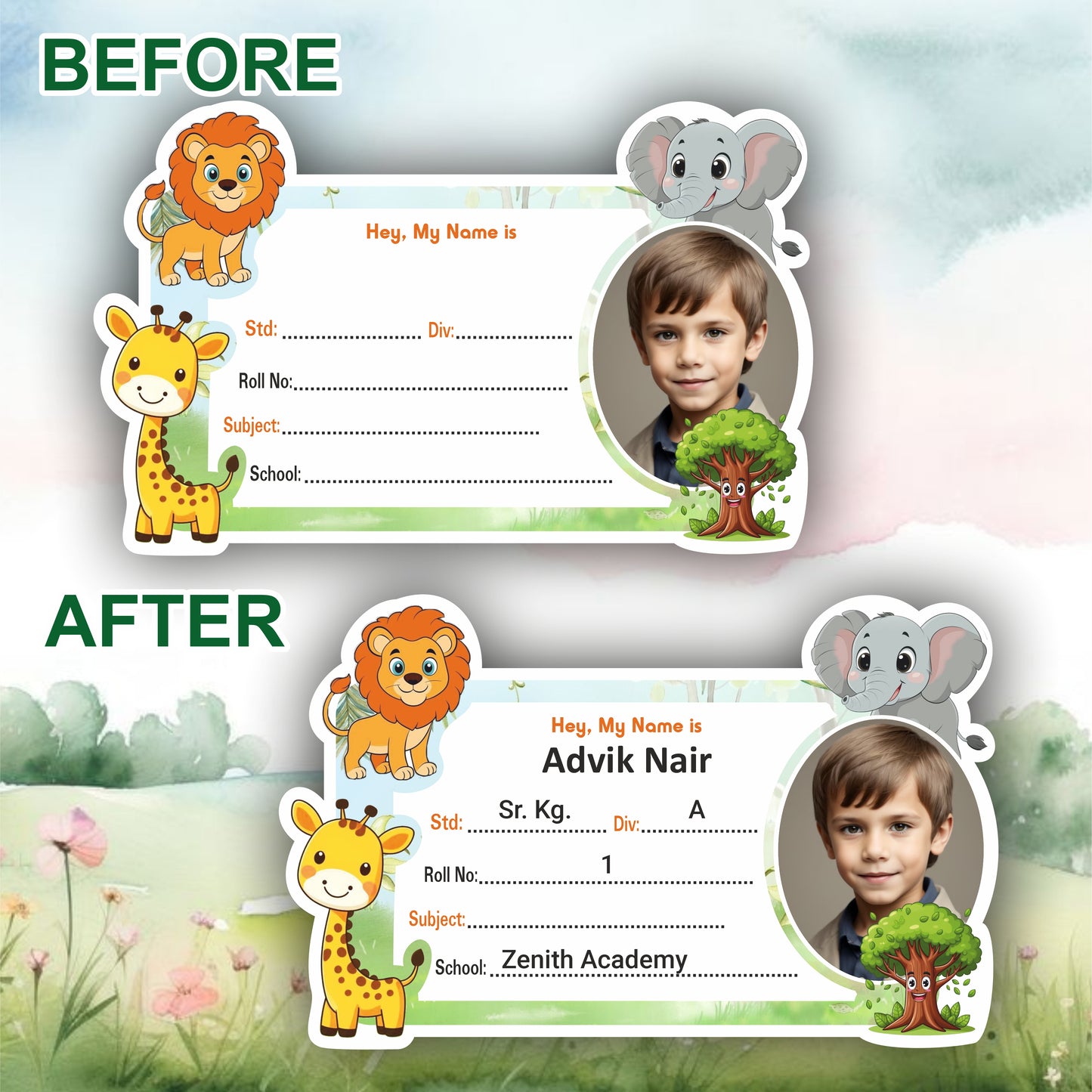
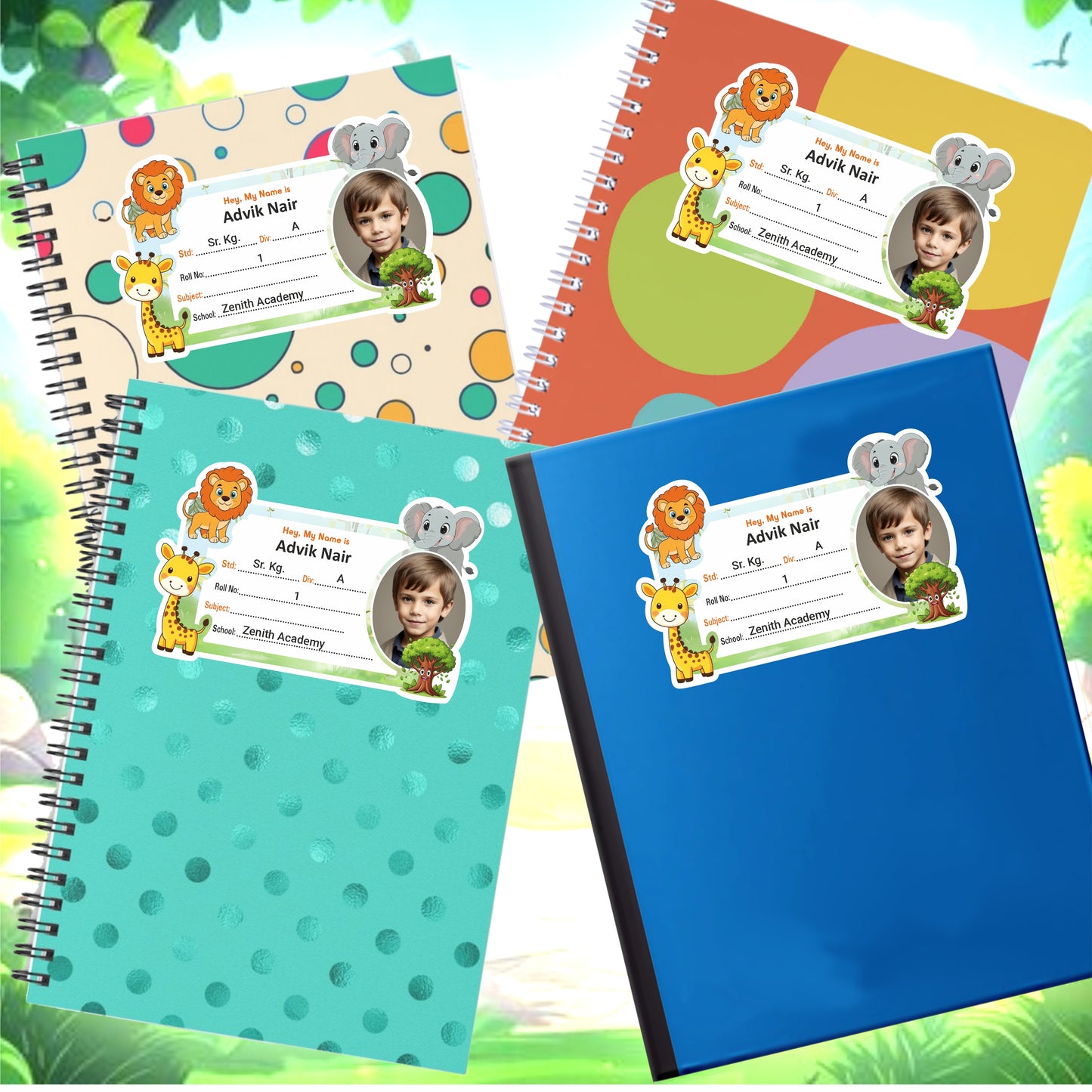
How to Order Your Personalized Name Sticker
Step 1: Enter Child's Name
Type your child's name in the Customer Name field.
Step 2: Add Required Details
In the Additional Details section, enter the information you want on the sticker, such as:
- Standard (STD)
- Division (DIV)
- Roll Number
- Subject
- School Name
- Any other custom details
Step 3: Share Your WhatsApp Number
Please include your WhatsApp number in the Additional Details section so we can send you a design preview for approval before printing. We will contact you within 24 hours via WhatsApp.
Step 4: Upload Child's Photo
Upload a clear photo of your child using the Upload Photo option.
Step 5: Review & Place Order
Check all details carefully and click Add to Cart or Buy Now to complete your order.
Step 6: Design Approval
We will create a preview design and send it to you on WhatsApp. Printing will begin only after your confirmation.
100% Personalized • Preview Before Printing • Easy Ordering Process